
How to Use Binance: A Step-by-Step Guide for Beginners to Trade Cryptocurrency

Binance is one of the largest and most popular cryptocurrency exchanges in the world. Whether you are a complete beginner or an experienced trader, understanding how to use Binance effectively is essential for managing your digital assets. This guide provides a clear, step-by-step breakdown of how to operate Binance, from creating an account to executing your first trade.
First, you need to create a Binance account. Visit the official Binance website and click on the "Register" button. You will be asked to provide an email address or phone number, along with a strong password. After registration, Binance will require you to verify your identity through a process called KYC (Know Your Customer). This involves uploading a photo of your government-issued ID and completing a facial verification. This step is mandatory for increasing your withdrawal limits and ensuring account security.
Once your account is verified, the next step is to deposit funds. Binance supports deposits in both fiat currency (like USD, EUR) and cryptocurrency. To deposit fiat, go to the "Wallet" section and select "Fiat and Spot." Choose your preferred currency and payment method, such as bank transfer or credit card. For cryptocurrency deposits, simply select the coin you want to transfer and copy the deposit address. Always double-check the network type to avoid losing your funds.
After funding your account, you can start trading. Binance offers two main trading interfaces: the "Lite" mode for beginners and the "Advanced" mode for experienced traders. To trade, go to the "Markets" section and search for a trading pair, such as BTC/USDT. The interface will show you the current price, order book, and chart. You can place a market order (buy/sell immediately at the current price) or a limit order (set your own price). For beginners, a market order is the simplest way to execute a trade quickly.
Security is critical when using Binance. Enable two-factor authentication (2FA) using the Google Authenticator app or SMS. This adds a second layer of protection to your account. Additionally, consider using the "Whitelist" feature for withdrawal addresses, which ensures that funds can only be sent to pre-approved addresses. Avoid clicking on phishing links and always access Binance directly through the official URL or mobile app.
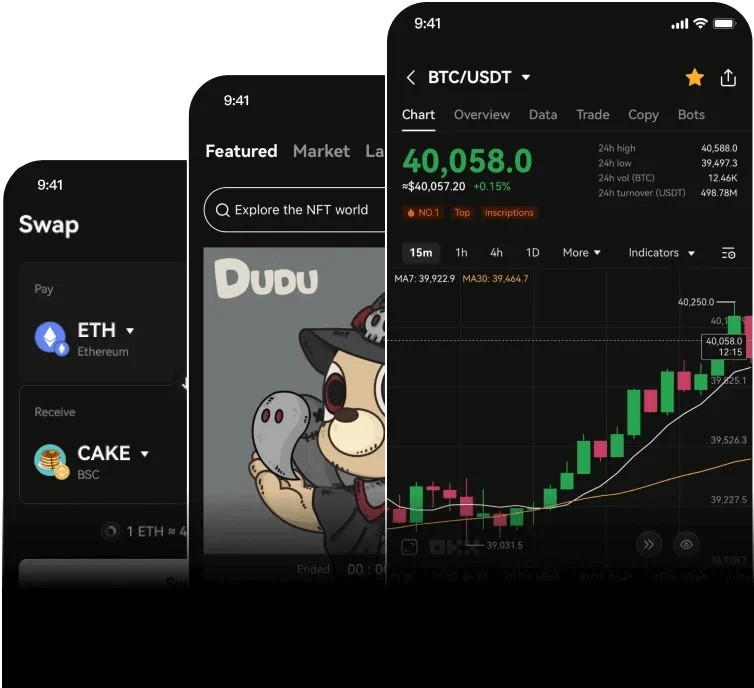
For mobile users, Binance offers a dedicated app available on iOS and Android. The app provides all the features of the desktop version, including trading, deposits, and withdrawals. It also includes a QR code scanner for quick address input and push notifications for price alerts. The mobile app is particularly useful for managing your portfolio while on the go.
Finally, explore Binance’s additional features to enhance your experience. The "Earn" section allows you to stake cryptocurrencies for passive income, while the "P2P" trading feature lets you buy and sell crypto directly with other users using local payment methods. The "Futures" and "Margin" trading options are more advanced and carry higher risk, so they should only be used by experienced traders who understand leverage.
In summary, operating Binance involves four key steps: registration and verification, depositing funds, trading, and securing your account. By following this guide, you can navigate Binance with confidence and start your cryptocurrency journey safely. Always start with small amounts until you feel comfortable with the platform’s interface and features.

发表评论