
How to Operate Binance Centralized Exchange: A Step-by-Step Guide for Beginners

Binance is one of the largest and most popular centralized cryptocurrency exchanges in the world. Whether you are a novice or an experienced trader, understanding how to operate Binance effectively is essential for managing your digital assets securely. This guide breaks down the core operations of the Binance centralized exchange, from account setup to executing trades, while following best practices for safety and efficiency.
1. Account Registration and Security Setup
To start operating Binance, you first need to create an account. Visit the official Binance website or download the Binance mobile app. Click on "Register" and provide your email address or phone number. After setting a strong password, you will receive a verification code. Complete the email or SMS verification. Next, enable two-factor authentication (2FA) using Google Authenticator or a similar app. This is a critical step to protect your account from unauthorized access. Additionally, set up anti-phishing codes and whitelist withdrawal addresses for enhanced security. Binance also requires identity verification (KYC) for higher withdrawal limits and full functionality, so have your government-issued ID ready.
2. Depositing Funds into Your Binance Account
Once your account is secured, you need to deposit funds. Log in and navigate to the "Wallet" section, then select "Fiat and Spot." Click "Deposit" and choose the cryptocurrency you want to deposit (e.g., BTC, ETH, USDT) or fiat currency (such as USD, EUR, or GBP). If depositing crypto, Binance will generate a deposit address. Copy this address and paste it into the withdrawal platform of your external wallet or another exchange. Always double-check the network type (e.g., ERC-20, BEP-20) to avoid losing funds. For fiat deposits, you can use bank transfer, credit/debit card, or third-party payment services like Advcash or Simplex, depending on your region. Keep in mind that deposit fees and processing times vary.
3. Navigating the Trading Interface
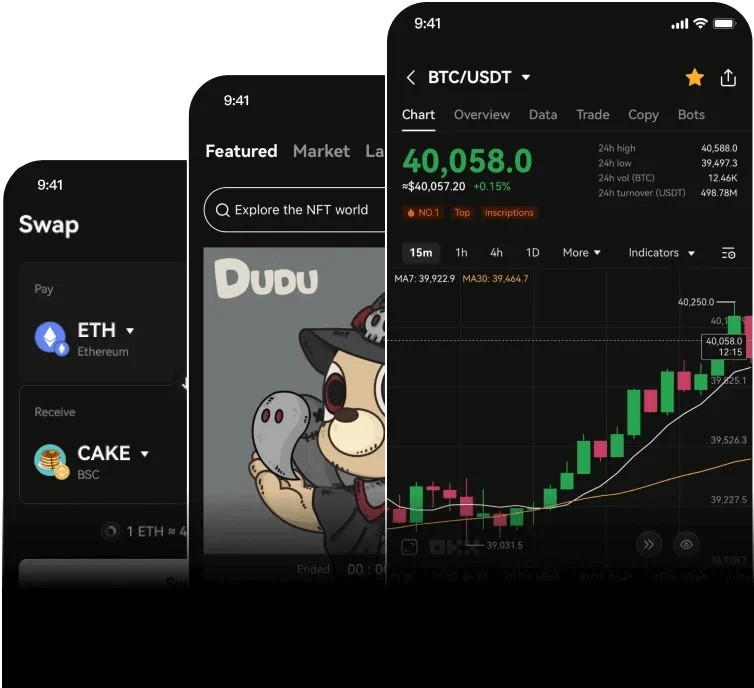
Binance offers multiple trading modes to suit different user needs. The main interface is the "Exchange" or "Trade" section. Beginners typically start with "Convert" (a simple swap) or "Classic" mode for spot trading. In the spot trading dashboard, you'll see a price chart on the left, an order book in the middle, and a trading pair list on the right. To trade, first select a trading pair such as BTC/USDT. Below the chart, you will find the order entry panel. Here you can choose between different order types:
4. Placing Orders: Market, Limit, and Stop-Limit
- Market Order: This buys or sells instantly at the current best available price. Enter the amount of crypto you want to buy or sell, then click "Buy BTC" or "Sell BTC." This is the fastest method but may result in slight slippage.
- Limit Order: You set a specific price at which you want to buy or sell. For example, if BTC is trading at $30,000, you can set a limit buy order at $29,500. The order will only execute if the price reaches your target. This gives you more control over entry and exit points.
- Stop-Limit Order: This is useful for risk management. You set a stop price and a limit price. When the stop price is triggered, a limit order is placed. For instance, to protect against losses, you might set a stop-loss at $28,000 with a limit price of $27,900.
5. Using Binance Features for Advanced Trading
Beyond basic spot trading, Binance offers futures, margin trading, staking, and savings accounts. However, beginners should start with the "Spot" market to minimize risk. To access more tools, go to the "Trade" tab and explore "Margin" (trading with borrowed funds) or "Futures" (trading contracts). Be aware that these products involve high leverage and significant risk. For passive income, you can use "Earn" to stake your coins or lend them via flexible or locked savings. Always read the terms and understand the lock-up periods before committing funds.
6. Withdrawing Funds from Binance
When you want to move your crypto to an external wallet, go to "Wallet" > "Fiat and Spot" > "Withdraw." Enter the recipient address, select the network, and specify the amount. Check that the address is correct and that the network matches the destination wallet (e.g., sending BEP-20 to a BEP-20 compatible address). Binance will deduct a withdrawal fee. For fiat withdrawals, you can use bank transfer or other supported methods. Withdrawals may be subject to daily limits based on your KYC level, and processing times can range from minutes to several business days.
7. Important Security and Compliance Tips
Always use the official Binance website or app—avoid third-party links. Never share your private keys, seed phrases, or 2FA codes with anyone. Regularly review your account activity under "Security" settings. Consider using the "Simplex" or "ChangeNOW" integration for added convenience, but be mindful of exchange fees. Binance also complies with local regulations, so ensure your region is not restricted (e.g., certain jurisdictions may block access). If you encounter issues, use Binance's live chat or support ticket system, but never respond to unsolicited messages claiming to be support staff.
Operating a Binance centralized exchange account may seem complex at first, but by following these steps—account setup, deposits, order types, and withdrawals—you can confidently manage your trades and assets. Always prioritize security, start with small amounts to test the interface, and gradually explore advanced features as you gain experience. Remember that cryptocurrency trading carries risk, and it is essential to make informed decisions.

发表评论